Home › Forums › Members Teaching Members › Understanding soundslice capabilities
- This topic has 8 replies, 6 voices, and was last updated 7 years, 8 months ago by
 John R.
-
AuthorPosts
-
-
July 24, 2018 at 8:10 am #105274
Can someone point me to a tutorial on Soundslice’s features?
Thanks, Michael Z. -
July 24, 2018 at 9:02 am #105276
Michael,
I just put “soundslice tutorial” in the forum search box. Here’s a tutorial from our former fab site administrator.
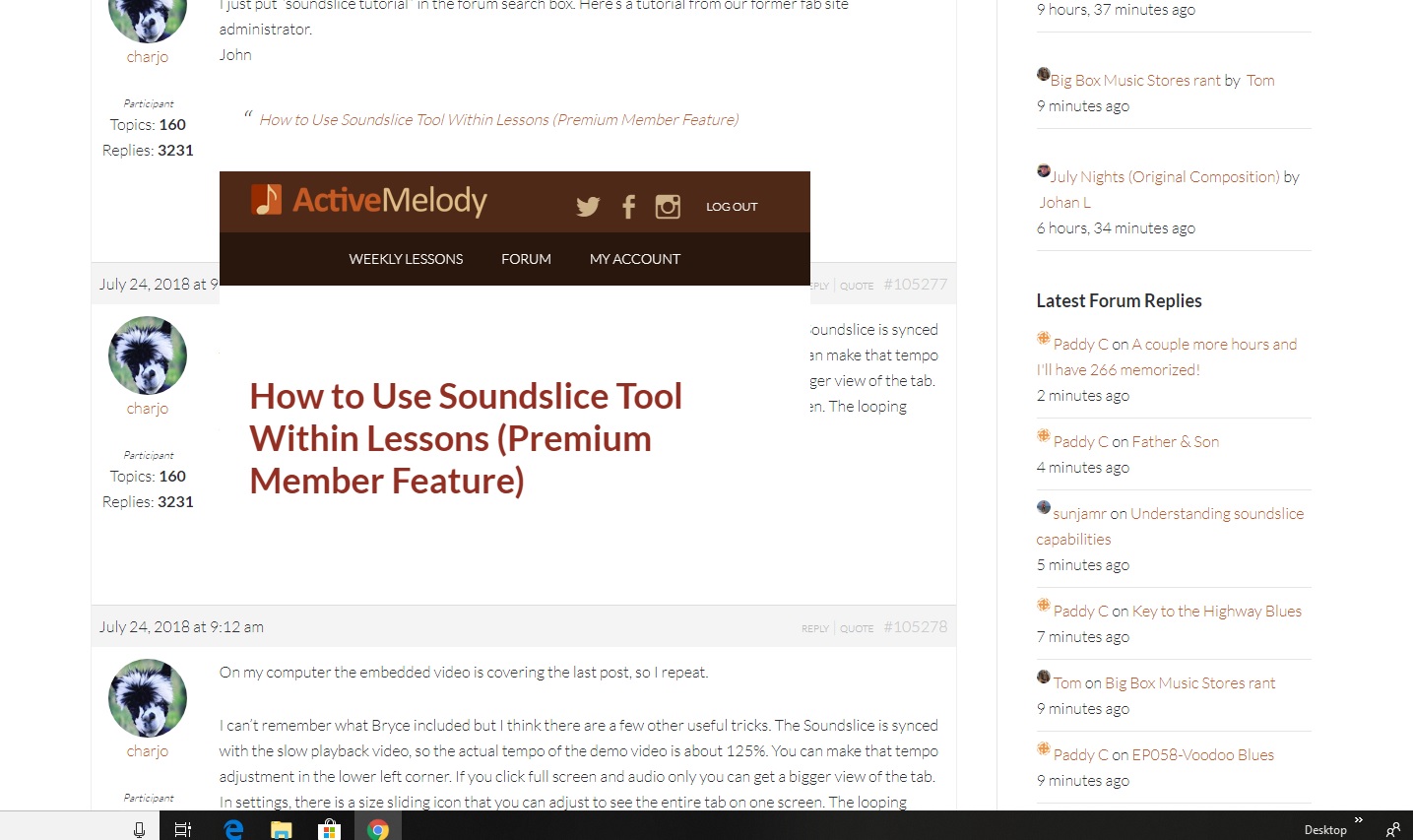
JohnHow to Use Soundslice Tool Within Lessons (Premium Member Feature)
-
July 24, 2018 at 9:09 am #105277
I can’t remember what Bryce included but I think there are a few other useful tricks. The Soundslice is synced with the slow playback video, so the actual tempo of the demo video is about 125%. You can make that tempo adjustment in the lower left corner. If you click full screen and audio only you can get a bigger view of the tab. In settings, there is a size sliding icon that you can adjust to see the entire tab on one screen. The looping feature is a huge bonus of the Soundslice, I think Bryce covers that.
John -
July 24, 2018 at 9:12 am #105278
On my computer the embedded video is covering the last post, so I repeat.
I can’t remember what Bryce included but I think there are a few other useful tricks. The Soundslice is synced with the slow playback video, so the actual tempo of the demo video is about 125%. You can make that tempo adjustment in the lower left corner. If you click full screen and audio only you can get a bigger view of the tab. In settings, there is a size sliding icon that you can adjust to see the entire tab on one screen. The looping feature is a huge bonus of the Soundslice, I think Bryce covers that.
John-
July 24, 2018 at 11:40 am #105280
Not just on your’s, it also covers 2 posts on my PC too..the forum gremlins are at it again I think..
..Billy..
-
-
July 24, 2018 at 2:31 pm #105304
On my computer, the embedded video just shows up as a link, no thumbnail.
Sunjamr Steve
-
July 24, 2018 at 2:42 pm #105310
..Billy..
-
July 25, 2018 at 12:37 pm #105360
Can someone point me to a tutorial on Soundslice’s features?
Thanks, Michael Z.Actually the soundslice feature is pretty much self explanatory, the most important feature is quite easy to figure out.. al those other little features like looping a selected section of measures etc,, are cool but the main important feature is timing a built in metronome to understand what the notes are and simply learning to site read the tab as well. with Brian showing the finger position along side the soundslice,, it is pretty good softeware,, another reason why I’m still enjoying premium anual subscription is I am learning timing from using it.I am sure soundslice has a website and primary tutorial for those who research about it.. You might however ask /pm Bryce if he is still here on the forums or Charjo Brian or anybody familiar with the features but if you really need specifics here just keep using it ..much is easy to figure out.
-
July 26, 2018 at 7:19 pm #105426
where is the “how to use the soundslice tool.. i cant figure out how to loop a section
-
-
AuthorPosts






- You must be logged in to reply to this topic.
